
Posture analysis, joint by joint
Set your iPhone side on and shoot. DhanurVeda tracks your body through the session, draws your posture over the video and scores each area of your form.
- ●Shoulders
- ●Wrists
- ●Hips
- ●Stance
- ●Torso
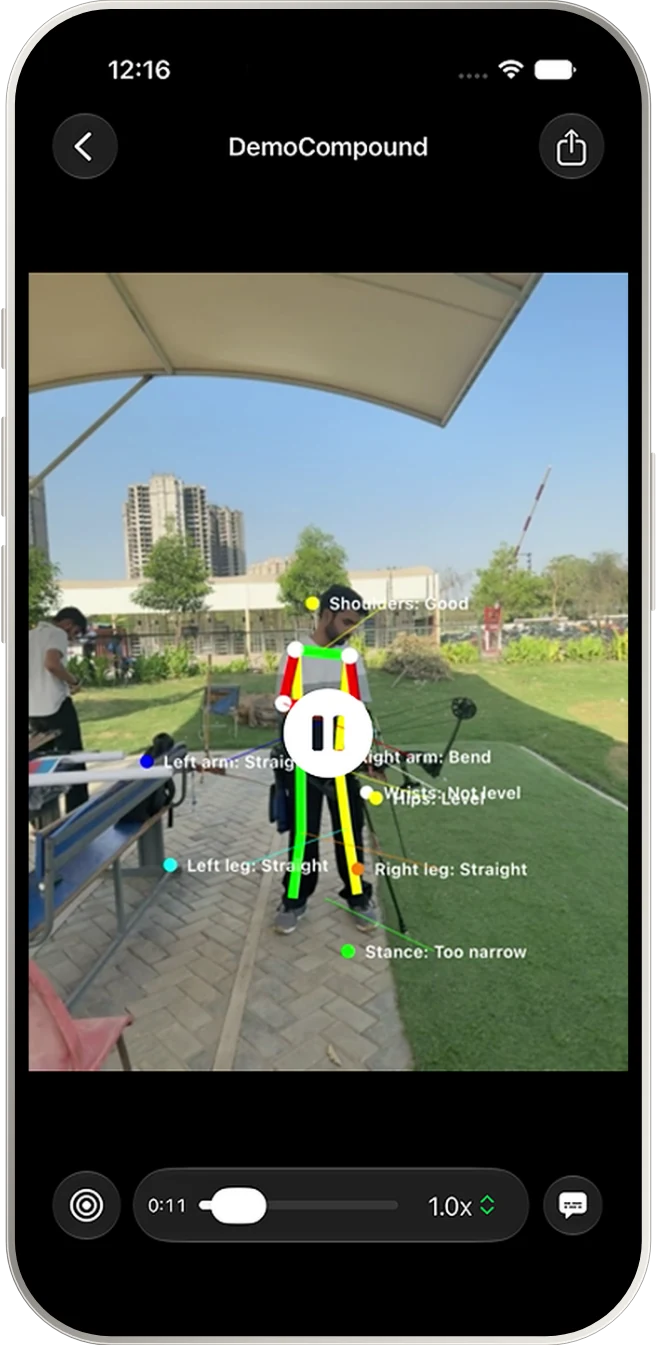
Record your practice on iPhone, see how your shoulders, wrists, hips, stance and torso hold up shot after shot, and map every arrow you shoot.
Features
DhanurVeda watches your form, scores your arrows and shows what to work on next.
Set your iPhone side on and shoot. DhanurVeda tracks your body through the session, draws your posture over the video and scores each area of your form.
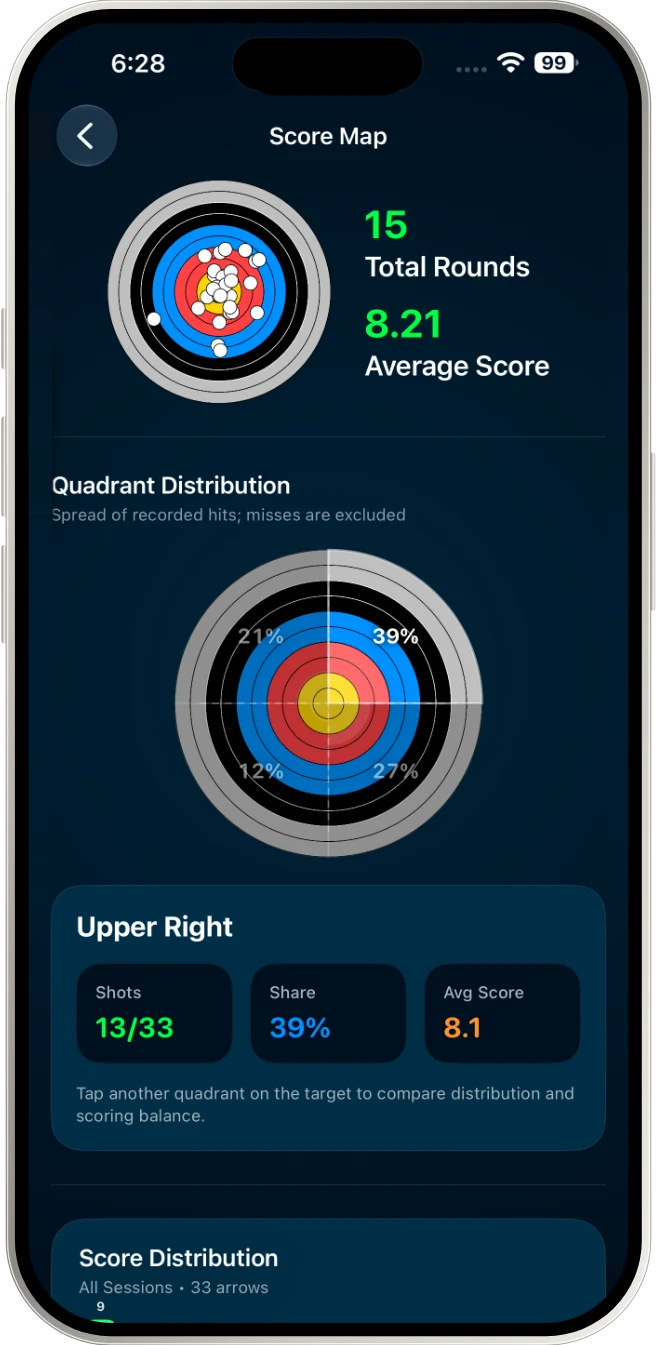
Tap where each arrow landed. See your groups by quadrant and your average over time.
On iPhones with Apple Intelligence, your measurements become plain-language advice, generated privately on your phone.
Train Mode, Time Run Mode or your own presets, with crowd noise simulation and spoken setup guidance.
Indian, Recurve and Compound bows, right or left handed. Works offline and syncs when you are back online.
How it works
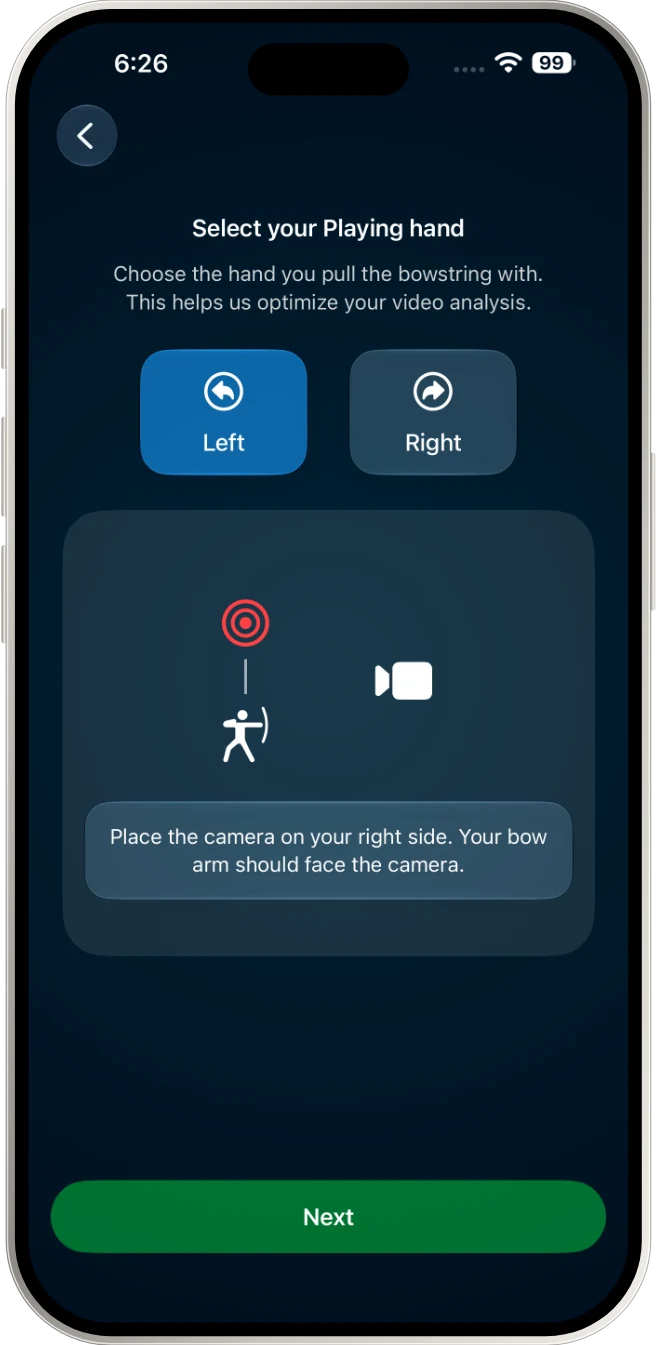
Choose your bow hand and place your iPhone side on. Spoken guidance helps you frame yourself.
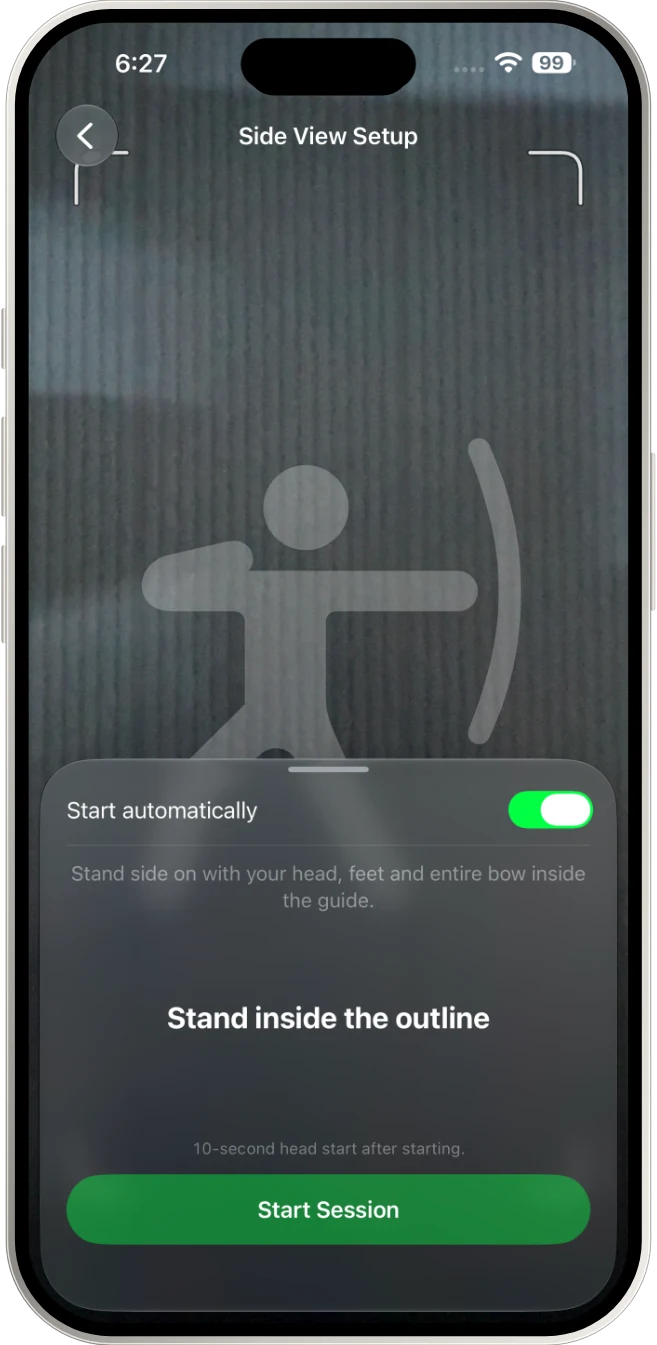
Step into the outline and start. DhanurVeda records your session and tracks your form.
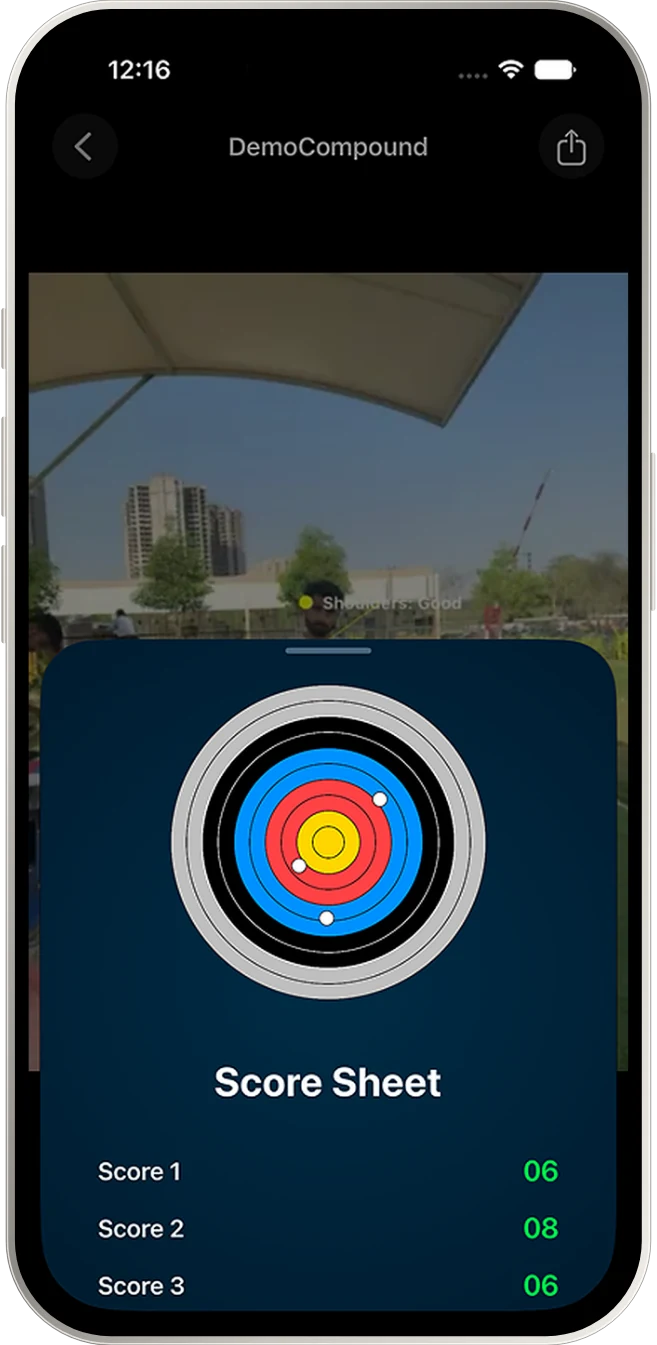
Replay with your posture drawn in, score each arrow and see what to work on next.
Screens
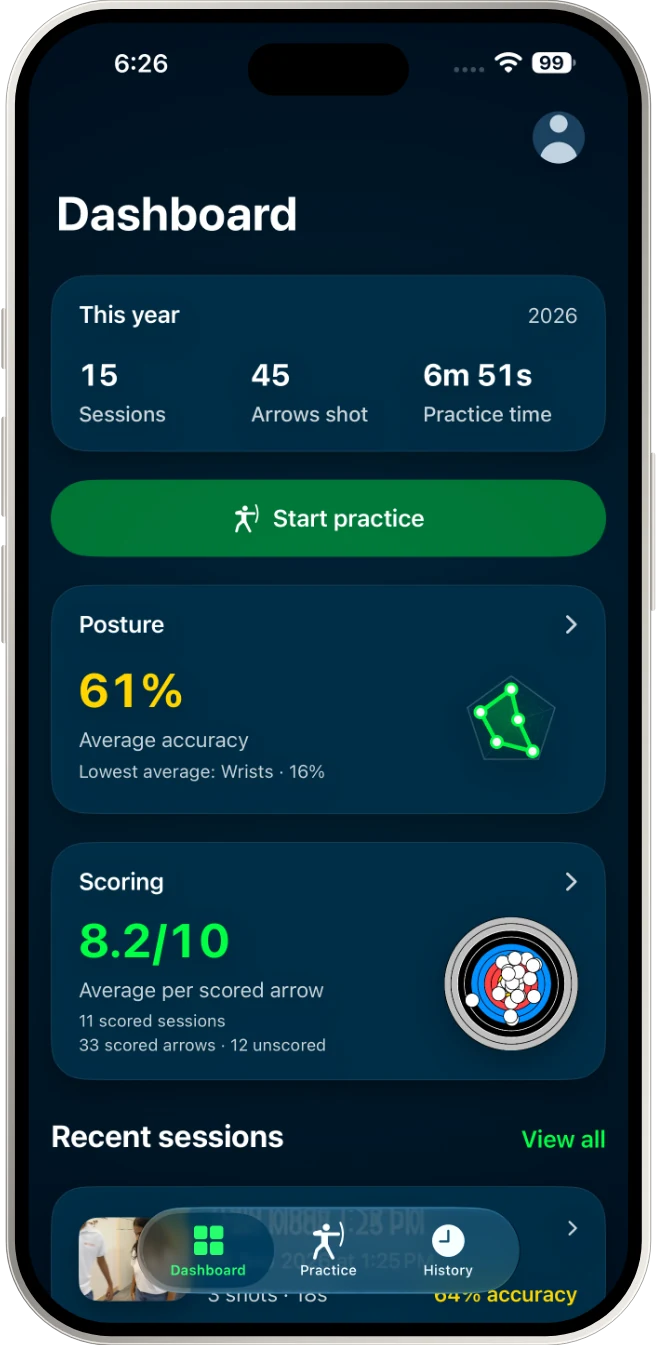
Your practice at a glance
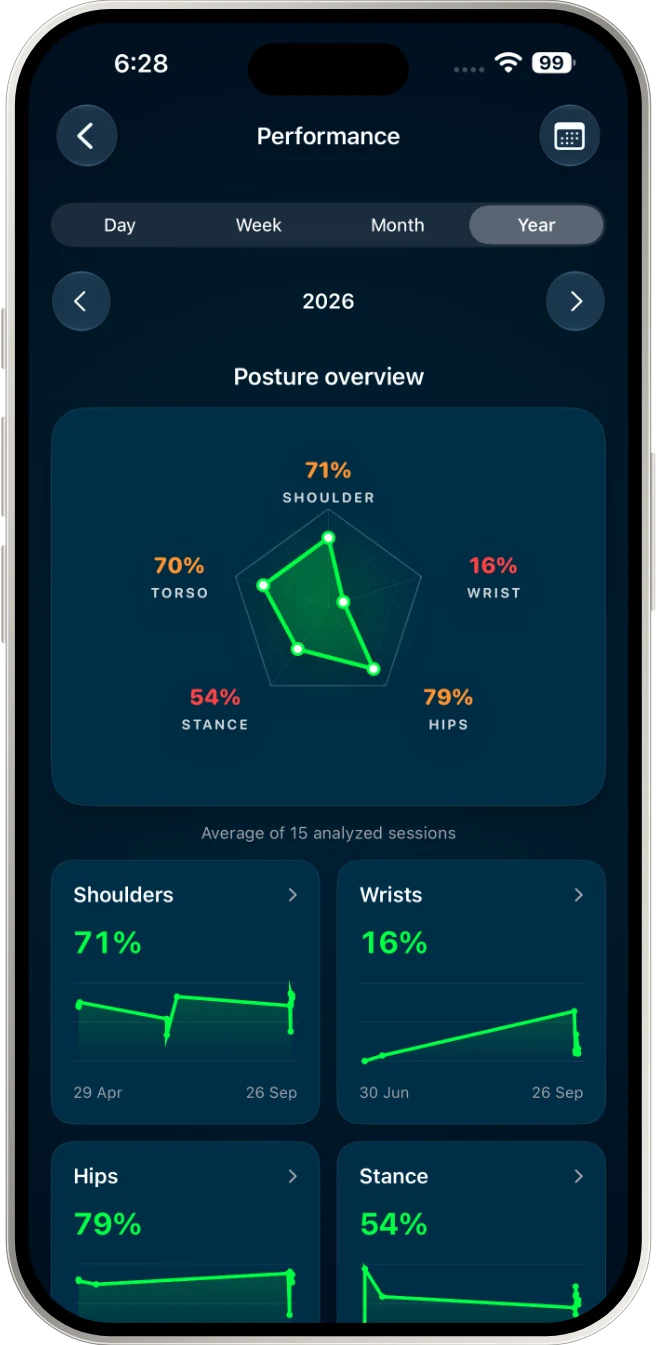
Five areas, one picture
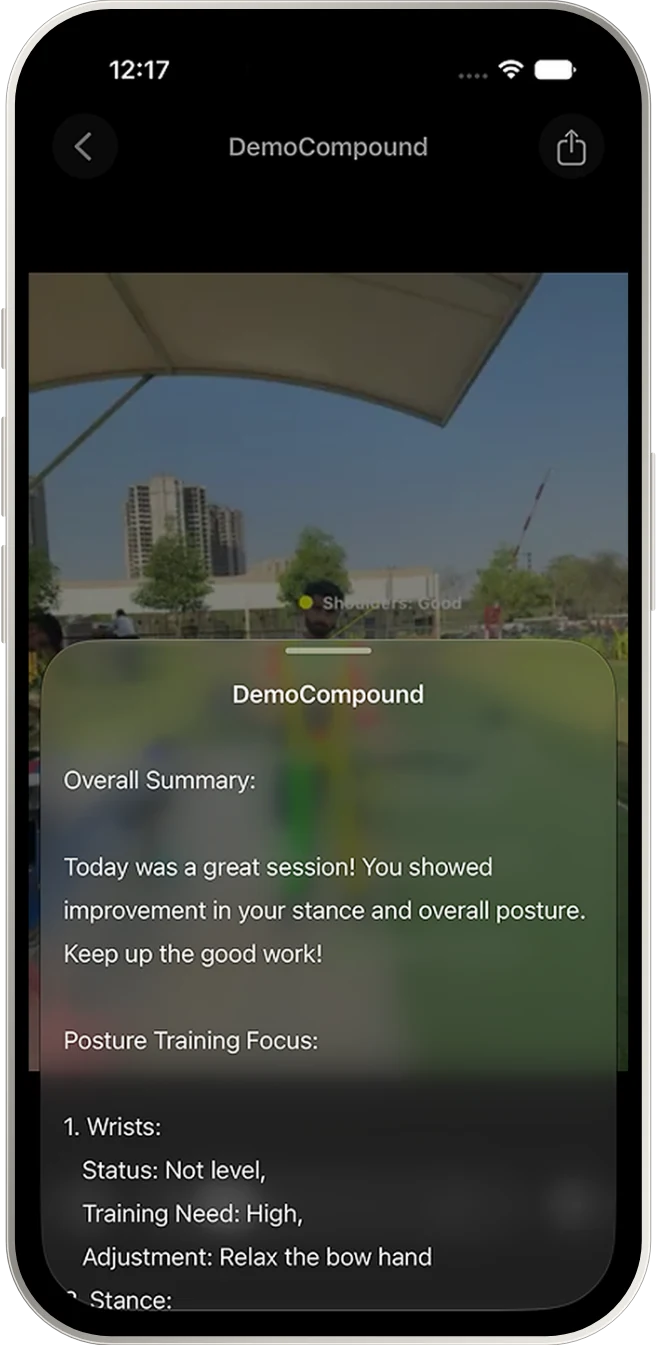
Coaching notes on device
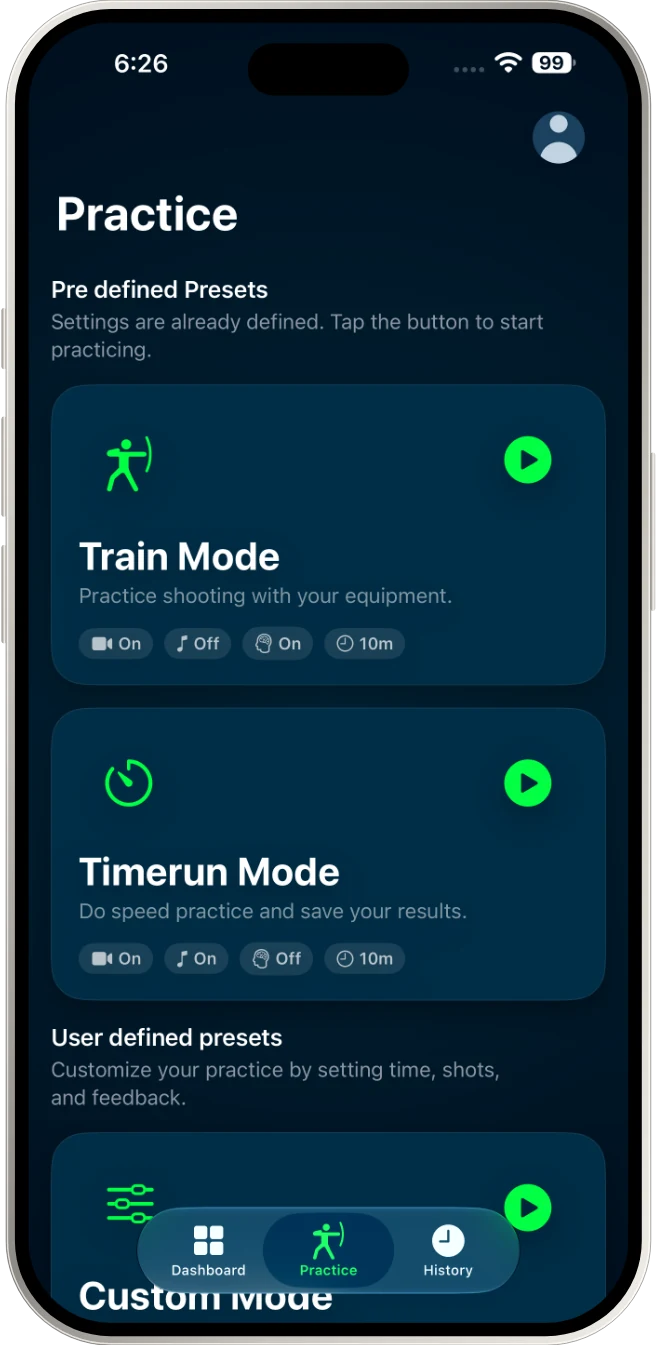
Ready-made presets
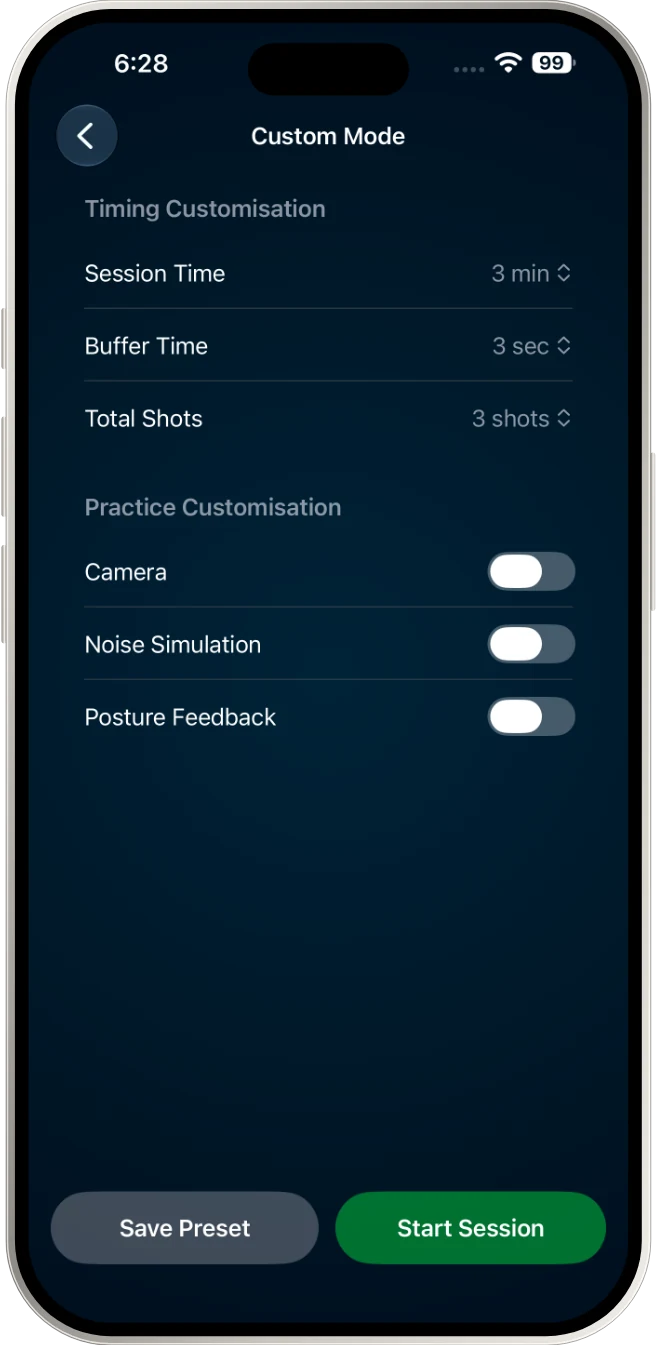
Or build your own
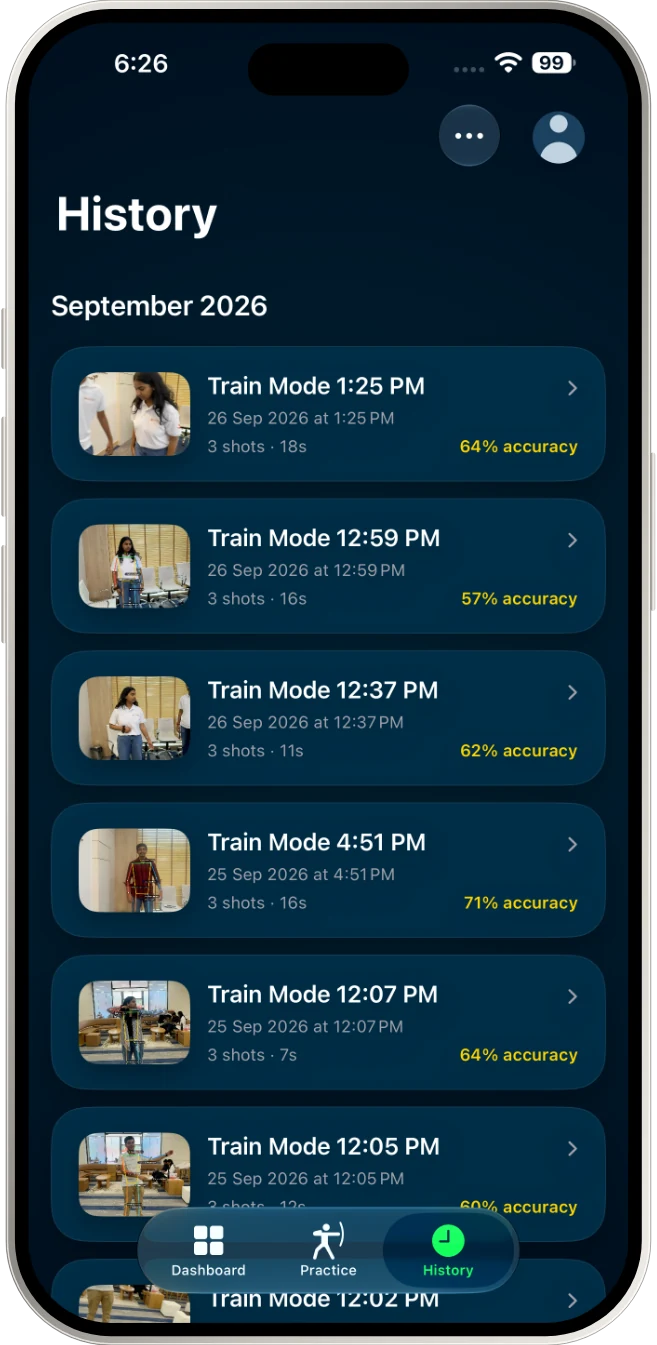
Every session, ready to replay
Privacy
DhanurVeda is built to help you train, not to collect data.
Posture analysis and written feedback are created on device. The camera only records your practice.
No advertising, no third parties, no tracking or analytics. Your data is only shown back to you.
Start in guest mode with nothing leaving your phone. Delete your account any time and everything goes with it.
Read the full Privacy Policy.
FAQ
Any iPhone running iOS 27 or later. Written feedback needs a device that supports Apple Intelligence; everything else works on every supported iPhone.
No. Start straight away in guest mode and your sessions stay on your device. Sign in with Apple or email later to sync them across devices, and your guest sessions come with you.
Indian, Recurve and Compound bows, shot right or left handed.
Side on to you, far enough away that your head, feet and entire bow fit inside the on-screen guide. Spoken setup guidance helps you get the framing right before you start.
Yes. Recording, posture analysis and scoring all work offline. Your sessions sync when you are back online.
Open Profile › Account Management in the app and choose Delete Account. This permanently removes all of your data from our storage.
Something else? Visit Support.
Start in guest mode straight away, then sign in to sync your sessions.
Coming soon on theApp Store